
Primora
Self-hosted backend platform for building products.
Auth, Postgres-backed APIs, object storage, and audit logs on your own hardware.
Quick Start ·
Documentation ·
Releases ·
Contributing


## What is Primora?
Primora is a self-hosted backend platform: organizations, projects, auth,
S3-style object storage, JSON document collections, scoped API keys, and a
full audit log behind one dashboard. Inspired by the UX of Appwrite and
Supabase, with no hosted tier - your data stays on your hardware.
## Screenshots
| Overview | Storage | Telemetry |
|:-:|:-:|:-:|
|  | 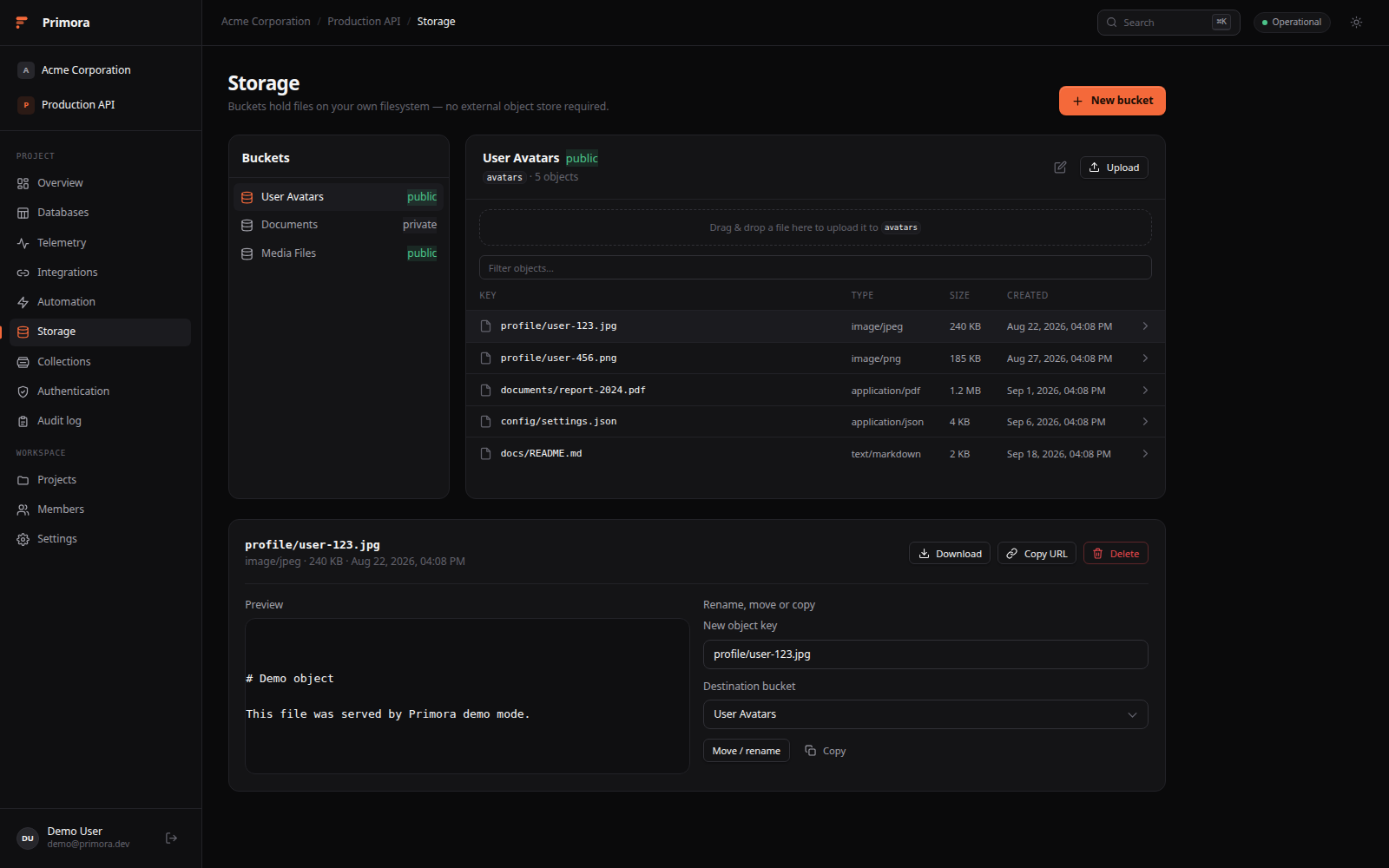 | 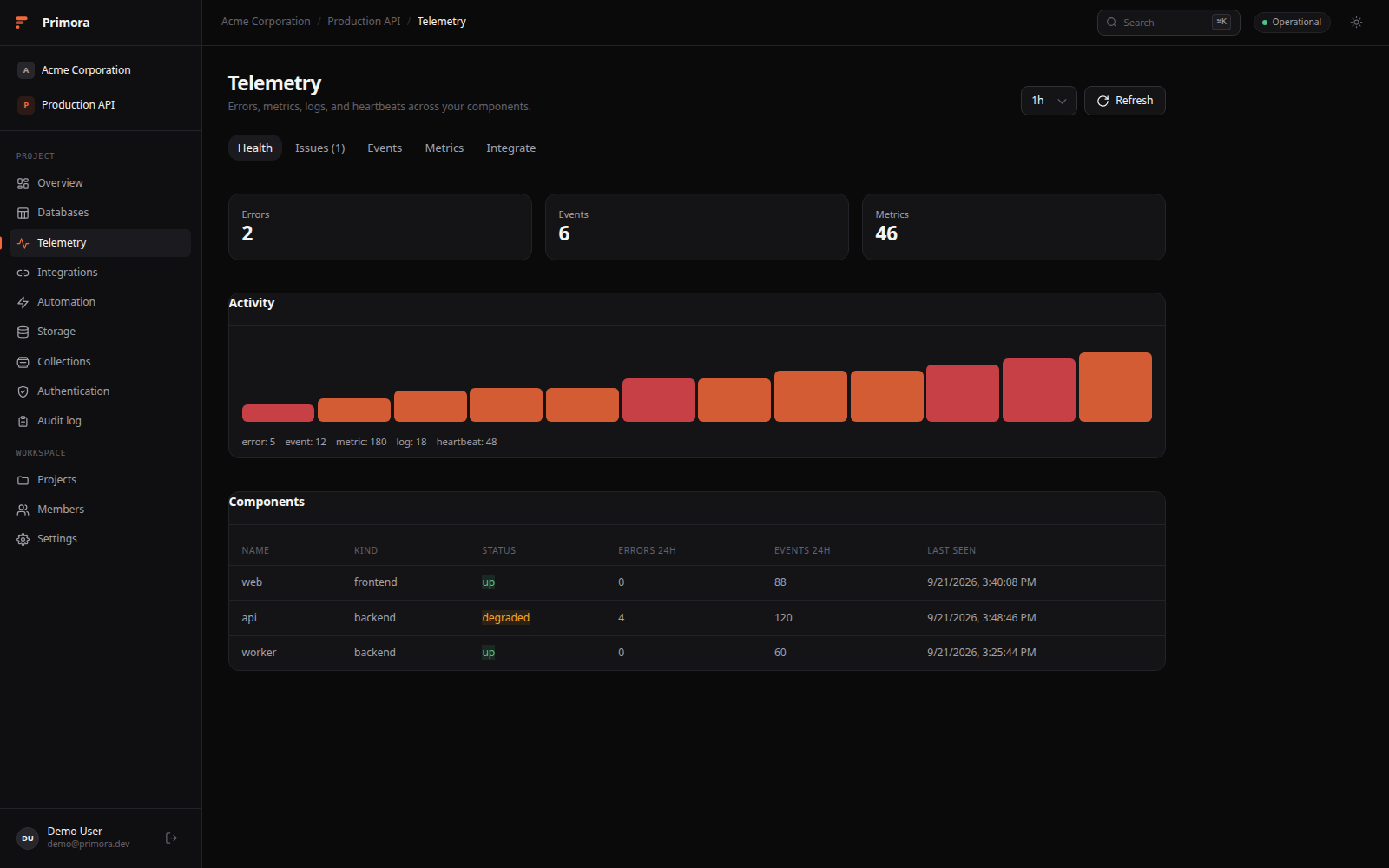 |
More screenshots
| Collections | Automation | Audit log |
|:-:|:-:|:-:|
| 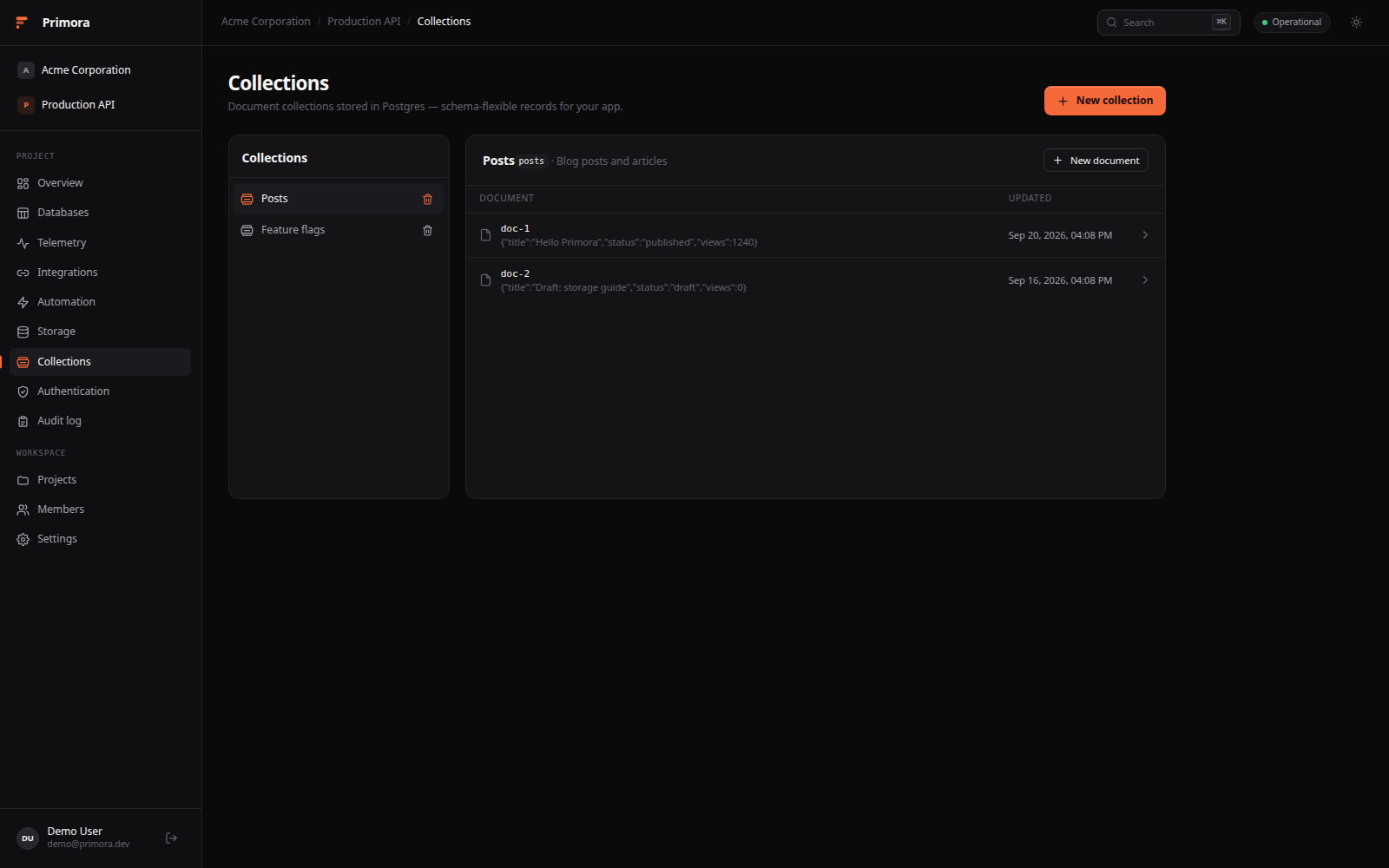 | 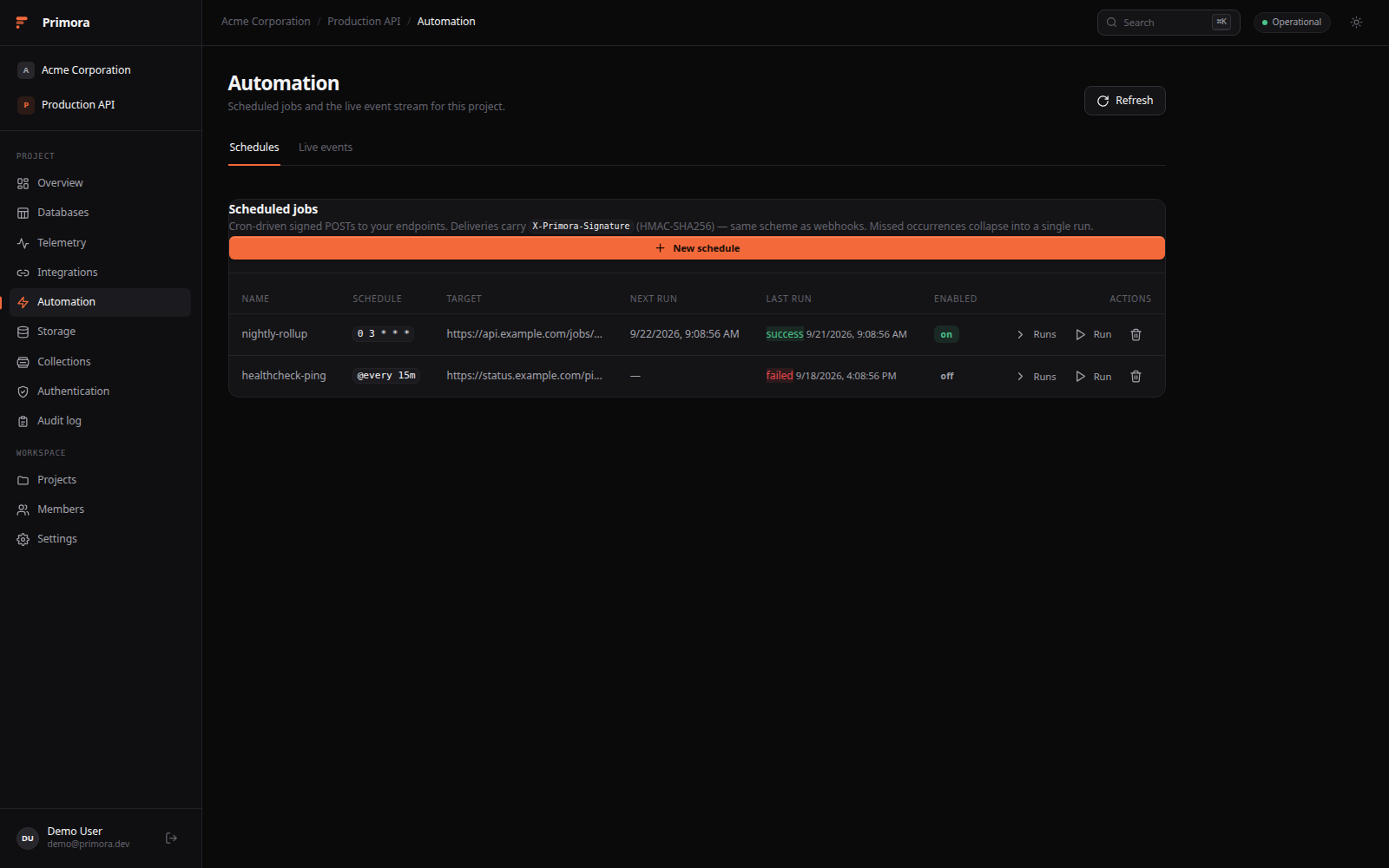 |  |
## Features
- **Organizations & projects** - workspaces with scoped org and project roles.
- **Auth** - email/password plus optional GitHub, Google, Discord, and Microsoft OAuth. JWTs verified by the API against JWKS.
- **Storage** - S3-style buckets on local disk or any S3-compatible backend (AWS, MinIO, Garage, R2), public or private. With `s3` the API mints presigned upload/download URLs so large objects skip the backend.
- **Collections** - schema-flexible JSON documents in Postgres JSONB, with filter/order queries.
- **Functions** - project-scoped JS/TS run by bun/deno — on the host (`exec`) or in ephemeral locked-down containers (`docker` driver) — with per-run logs. Trigger them four ways: manual invoke, cron schedules (`function_id` on a job), inbound hooks (`mode: "function"`), or domain events (`event_pattern` like `document.*`).
- **Vault** - AES-256-GCM project secrets plus an Argon2id/XChaCha20 local vault in the CLI and desktop app. App logins (username, password, stable app id) live in both, and an agent can read one named value when it needs to sign in.
- **Automation** - scheduled jobs, inbound webhooks, telemetry alert rules, and `secret://` refs resolved at delivery.
- **Realtime** - SSE event stream with a typed client SDK (`@primora/client`) — channel subscriptions, presence counts, and client-published `custom.*` events that fan out to webhooks and functions.
- **API keys** - `prm__` credentials, shown once.
- **Agent setup** - every project can mint a `write`-scoped key and generate a copyable AI-agent prompt that wires telemetry, database tracking, and MCP/CLI access into any repository.
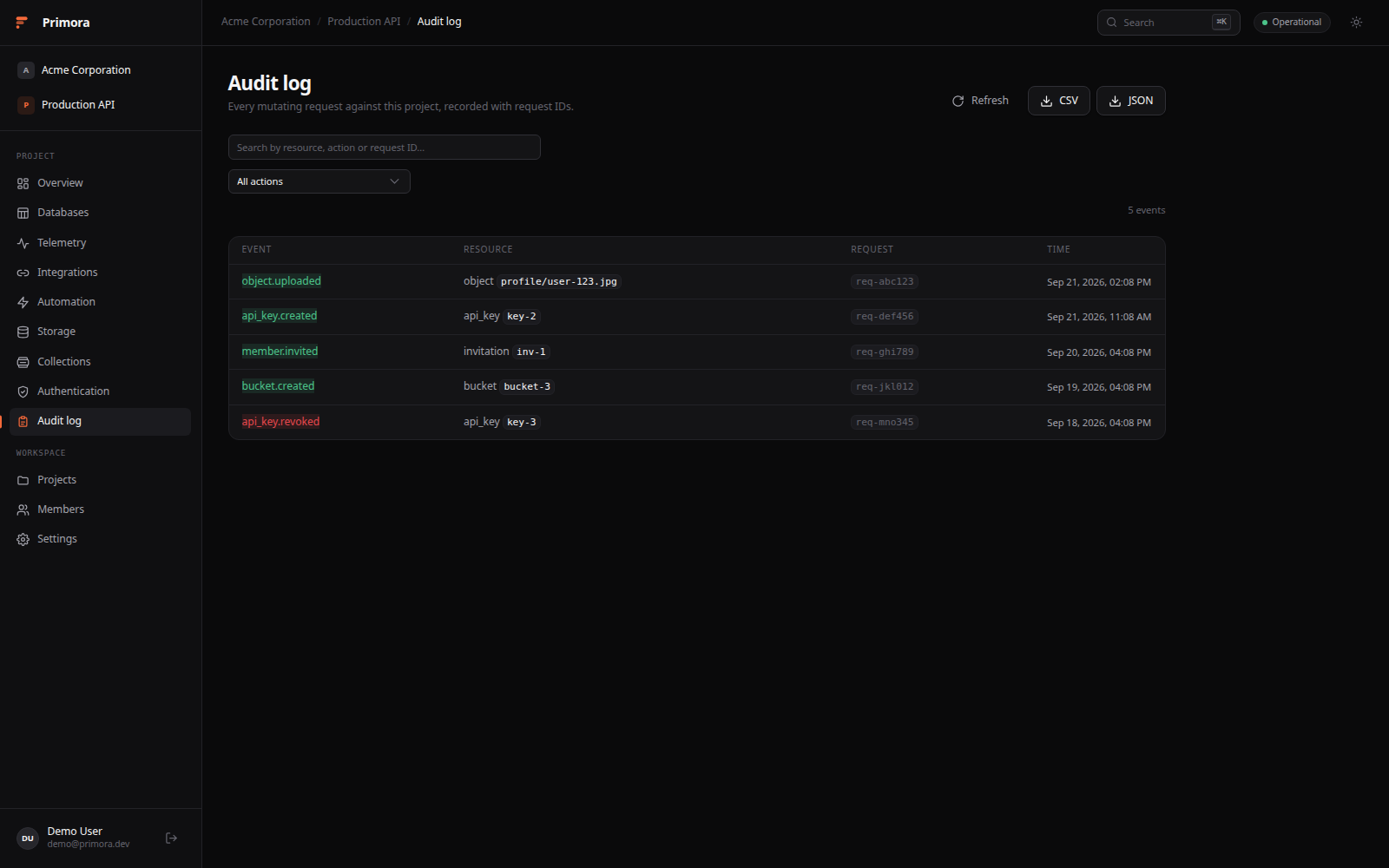
- **Audit log** - every mutating request recorded, with CSV/JSON export.
- **Demo mode** - fully client-side seeded workspace via `?demo=true`.
## Architecture
```
Browser ──▶ Nginx ──▶ Frontend (SolidJS + Vite)
├──▶ Auth service (Better Auth + Hono)
└──▶ API (Go + Gin) ──▶ PostgreSQL
──▶ DragonflyDB (Redis-compatible cache)
──▶ Local filesystem object storage
```
## Quick Start
Prerequisites: Docker with the Compose plugin.
```bash
curl -fsSL https://raw.githubusercontent.com/Dvorinka/Primora/master/install.sh | bash
```
Installs into `./primora`, asks one question — the URL you'll open the app on
(domain, IP, optional port) — generates secrets, and starts the stack.
Non-interactive: `PUBLIC_URL=https://primora.example.com bash install.sh`.
Or from a clone:
```bash
git clone https://github.com/Dvorinka/Primora.git && cd Primora
./scripts/setup.sh # creates .env, generates secrets, starts the stack
```
Then open `http://localhost` - or append `?demo=true` to explore a seeded
workspace without signing up. For prebuilt images, native development, port
conflicts, and troubleshooting see [QUICK_START.md](QUICK_START.md).
## Configuration
All configuration lives in `.env` - see `.env.example` for the annotated list
and [QUICK_START.md](QUICK_START.md#configuration) for the important ones.
## Ecosystem
- **[CLI](apps/cli)** - `primora` for orgs, projects, buckets, objects, keys, jobs, and audit — plus an encrypted local secrets vault (`vault:*`, `secrets:*`, `inject`), the shared project vault (`secrets:* --remote`, `secret://NAME` refs in job payloads), an agent credential broker (`agent`), and compose-stack operator commands (`stack:*`).
- **[MCP server](apps/mcp)** - exposes `primora_*` tools to MCP clients.
- **[Desktop](apps/desktop)** - Tauri 2 shell connecting to your deployment, with tray presence and a local Secrets Vault window (drives the CLI's vault).
- **PWA** - the dashboard is installable on mobile and desktop browsers.
## Documentation
- [QUICK_START.md](QUICK_START.md) - setup, configuration, troubleshooting
- [project_backend.md](project_backend.md) / [project_frontend.md](project_frontend.md) - original design specs
- `apps/backend/openapi/openapi.yaml` - API contract
## Contributing
See [CONTRIBUTING.md](CONTRIBUTING.md) for the development workflow.
## Security
See [SECURITY.md](SECURITY.md) for reporting vulnerabilities.
## License
[MIT](LICENSE)